
Automations
Schedule recurring agent workflows, one-shot follow-ups, thread snoozing, and webhook triggers.
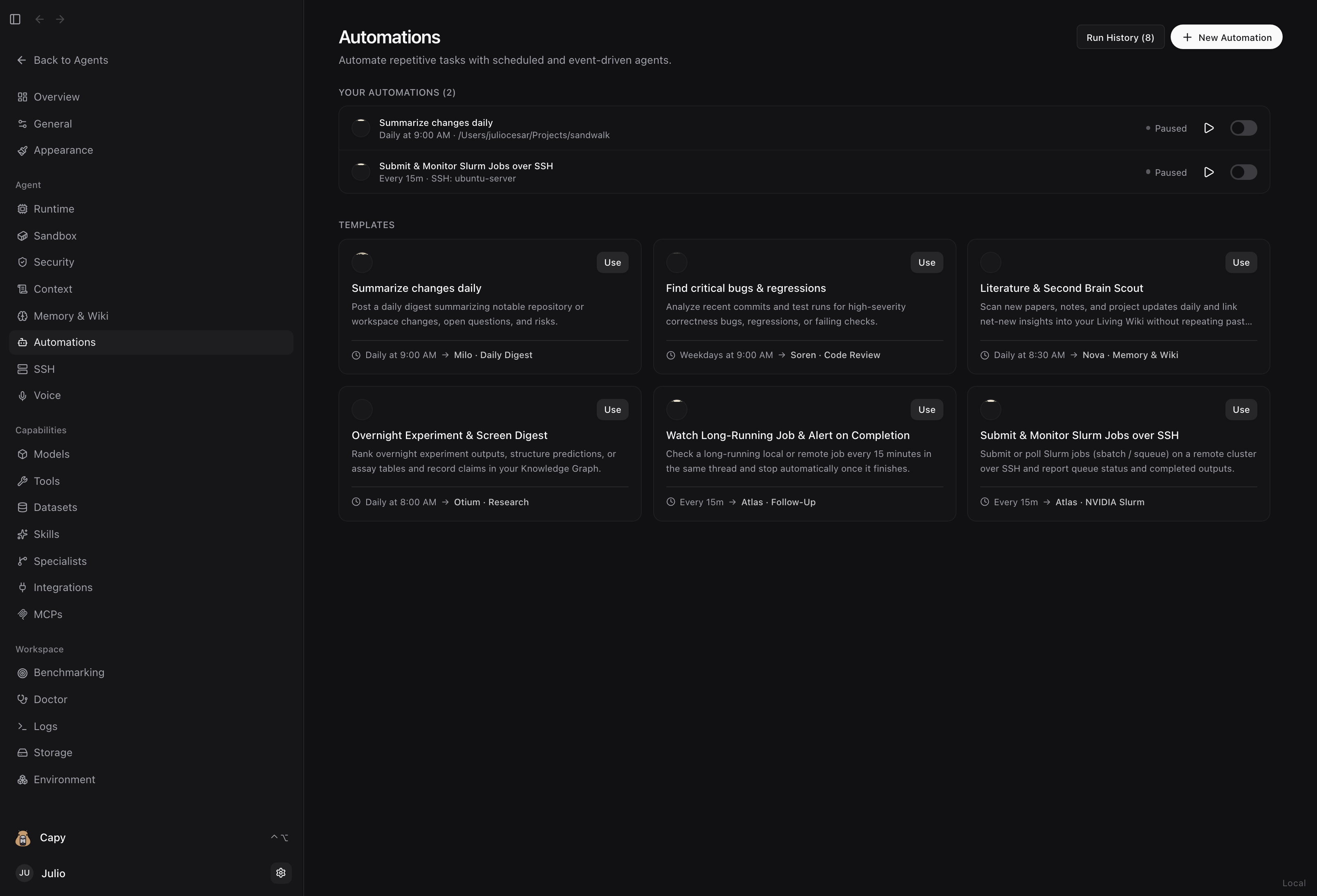
Sandwalk Automations let you schedule recurring or event-driven agent workflows from the UI (Dashboard → Automations), in plain language inside any chat session (/automate or Capy), or from the terminal (sandwalk cron).
Creating an Automation
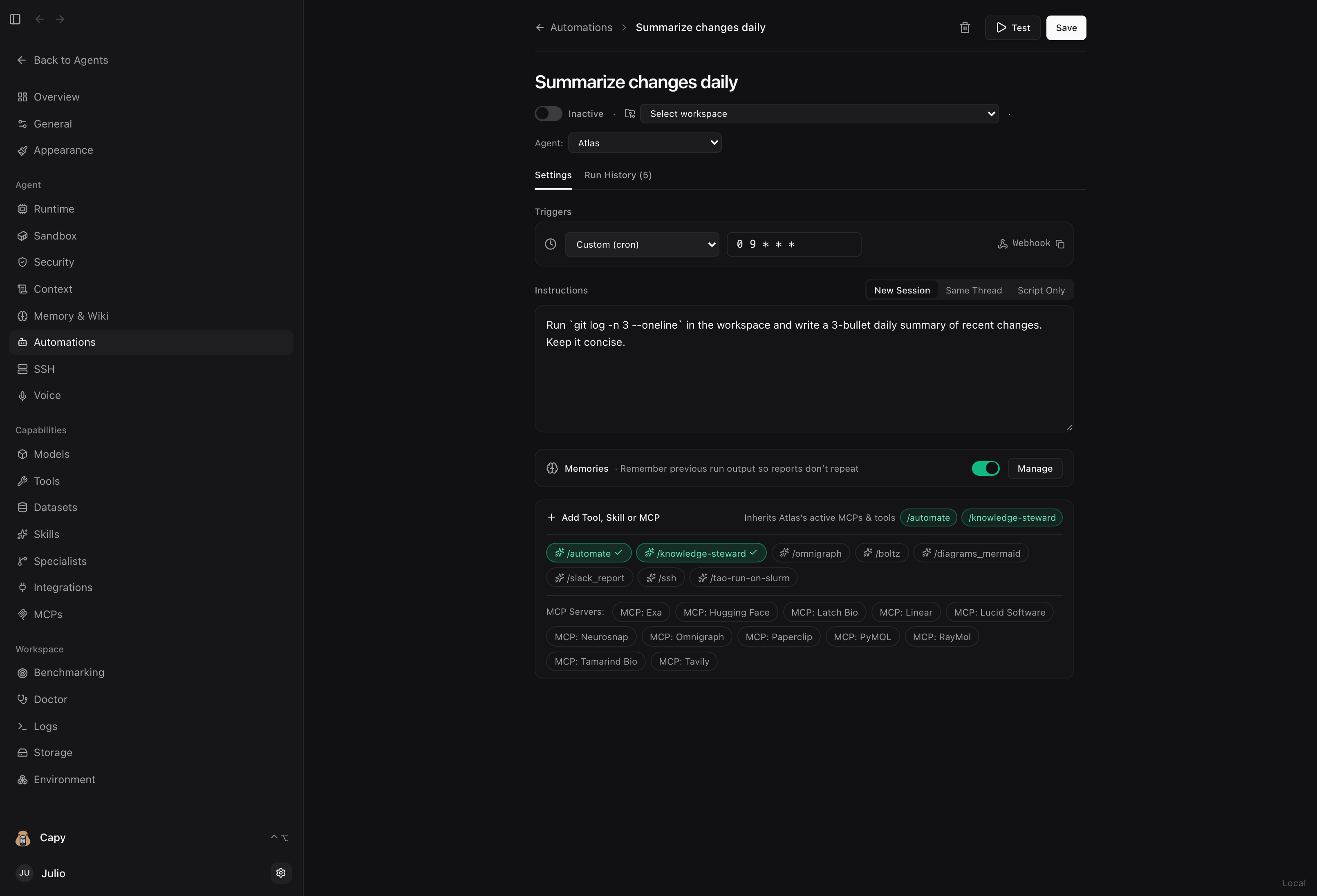
- Choose a Trigger:
- Intervals:
every 15m,every 1h,every 6h - Natural day & time:
daily at 9:00am,weekdays at 8:30am,every monday at 9:00am - One-shot delays:
in 30m,in 2h,in 1d - Cron expressions:
0 9 * * 1-5 - Webhook: Generates a unique
POST /v1/automations/webhook/<token>endpoint so CI pipelines, scripts, or cluster jobs can wake an agent on completion.
- Intervals:
- Choose an Execution Mode:
- New Session (
fresh): Starts a clean session on each run. Enable Memories (continuity=True) so the previous run's output is carried forward and recurring digests never repeat old items. - Same Thread (
continue): Wakes the existing chat session so the agent keeps full conversation context. Pair with Snooze (automation.manage(action="snooze")) so background runs stay quiet until the agent callsunsnoozeorcomplete. - Script Only (
no_agent): Runs a shell command on schedule with zero LLM token usage.
- New Session (
- Select a Workspace, Specialist & Skills:
- Run in your local workspace, a specific project folder, or on a remote SSH server.
- Assign any Specialist and attach skills (
/automate,/knowledge-steward,/omnigraph,/ssh,/tao-run-on-slurm).
CLI & Programmatic Management (sandwalk cron)
# List configured automations
sandwalk cron list

# Create a recurring daily digest
sandwalk cron create "daily at 9:00am" "Summarize recent changes and update the Living Wiki" \
  --name "Summarize changes daily" \
  --continuity

# Pause, resume, or trigger an automation immediately
sandwalk cron pause "Summarize changes daily"
sandwalk cron resume "Summarize changes daily"
sandwalk cron run "Summarize changes daily"

# Install a system crontab watchdog so headless servers keep running across reboots
sandwalk cron sync-crontab
Last updated on