
Doctor, Logs, Storage & Environment
Run readiness diagnostics, tail live service logs, inspect disk usage, and manage Python packages.
1. Doctor (/dashboard/doctor)
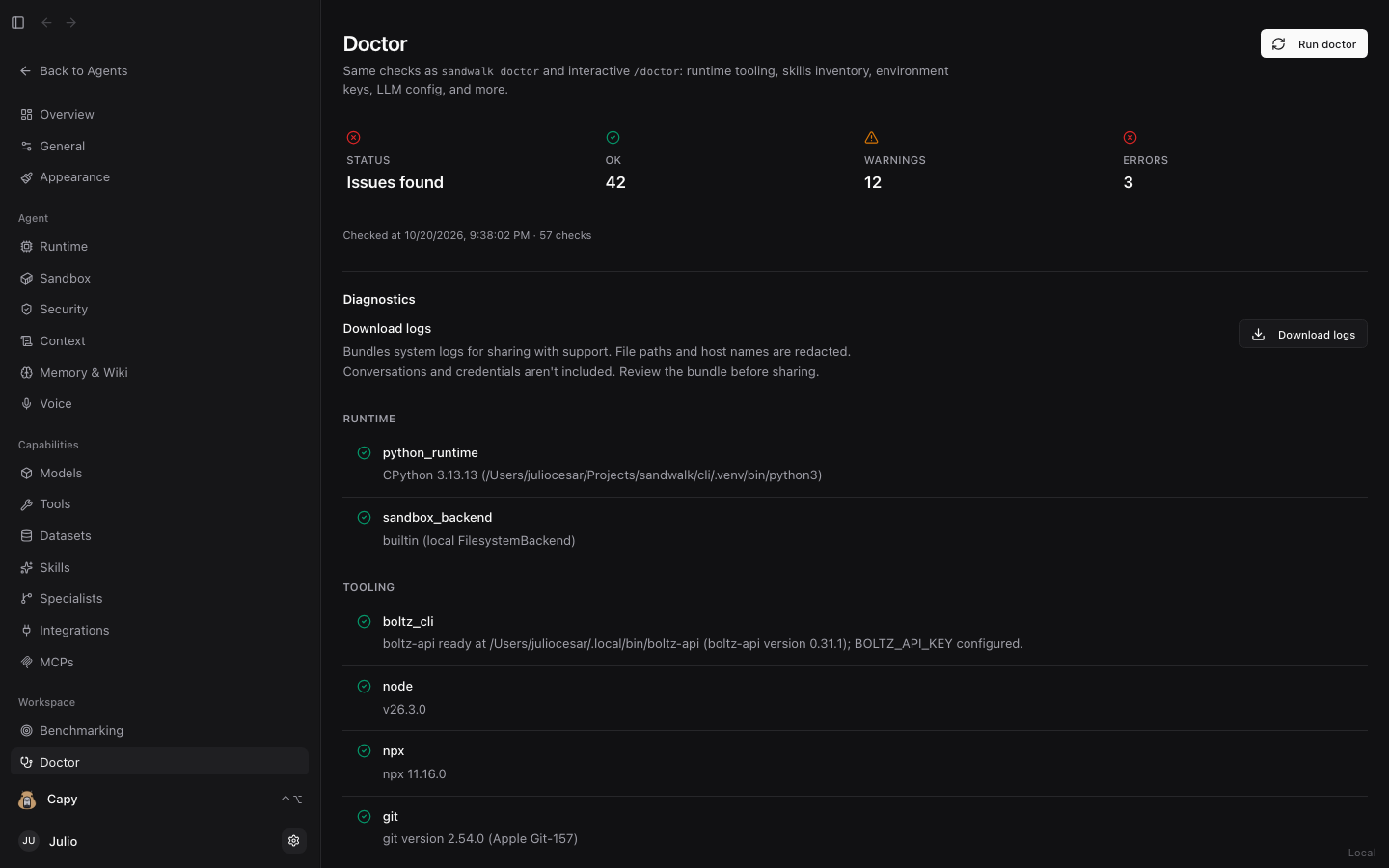
Dashboard → Doctor runs the same readiness suite as sandwalk doctor (and /doctor in the CLI):
- Verifies Python runtime, scientific libraries (
rdkit,duckdb,scanpy), model provider credentials, installed skills, MCP server configurations, and SQLite database integrity. - Download Redacted Diagnostics: Click Download logs to export a redacted support bundle (automatically stripping API keys, tokens, conversations, and hostnames).
2. Logs (/dashboard/logs)
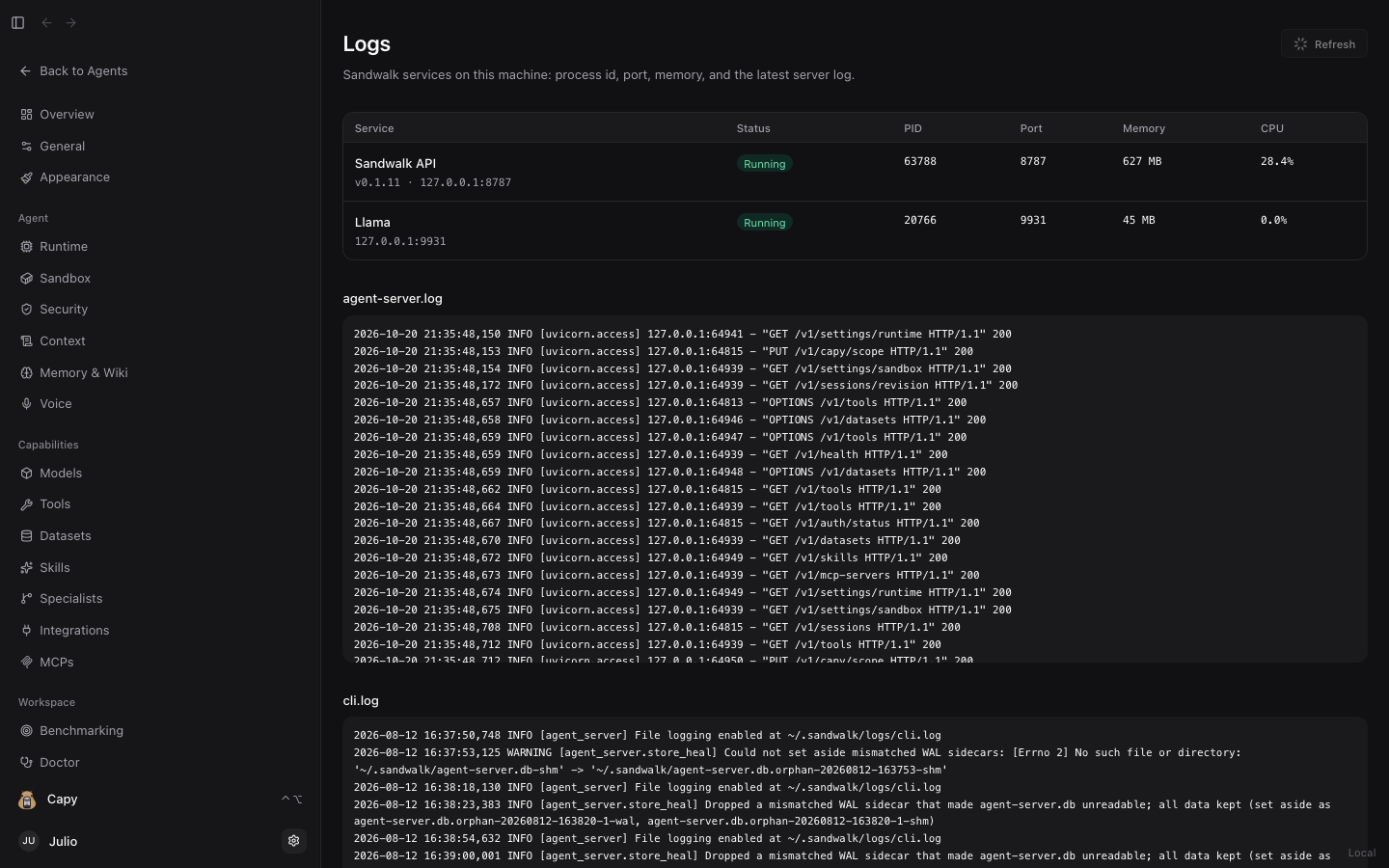
Dashboard → Logs streams live logs from ~/.sandwalk/logs/ for the local FastAPI agent server, background dataset downloads, local llama.cpp runtime, and MCP stdio bridges. Filter by severity (INFO, WARNING, ERROR) or search log lines in real time.
3. Storage (/dashboard/storage)
Dashboard → Storage shows exactly where Sandwalk stores data on disk (~/.sandwalk/) and breaks down disk consumption across:
- Session Workspaces (
~/.sandwalk/workspaces/) - Scientific Datasets (
~/.sandwalk/data/) - Databases (
agent-server.db,memory/memory.db, and.omniLance graphs) - Local Models & Voice Cache (
~/.sandwalk/cache/and GGUF weights)
4. Environment (/dashboard/environment)
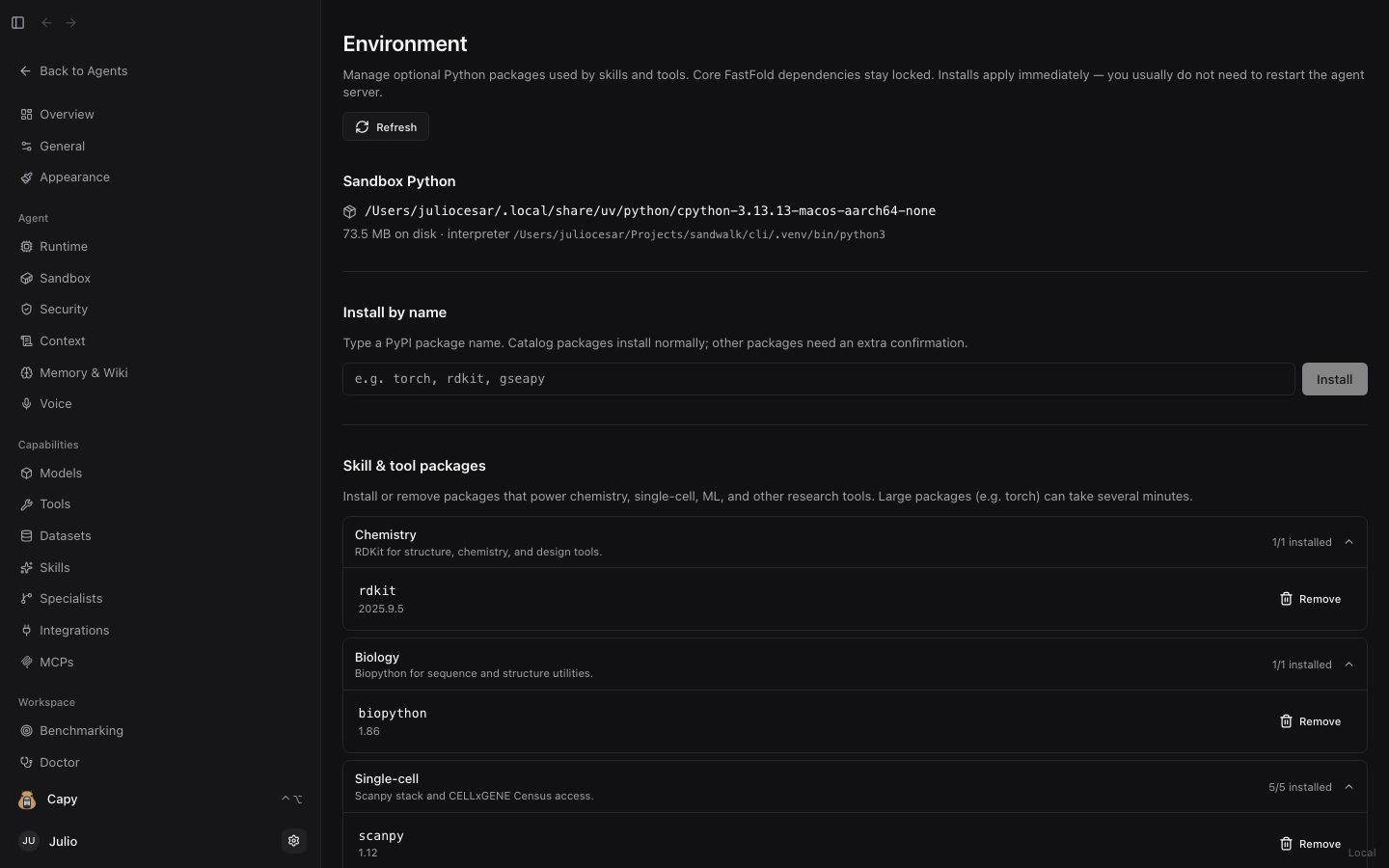
Dashboard → Environment inspects the Python environment backing the Local Sandbox. View installed versions of core scientific and ML packages (rdkit, scanpy, anndata, biopython, torch, scipy, statsmodels, duckdb), install additional PyPI packages in one click, or upgrade outdated dependencies.
Last updated on