
Dashboard & Settings
Runtime, Security & Voice
Configure concurrent agent capacity, human-in-the-loop security gates, and local/cloud voice I/O.
1. Agent Runtime (/dashboard/agent)
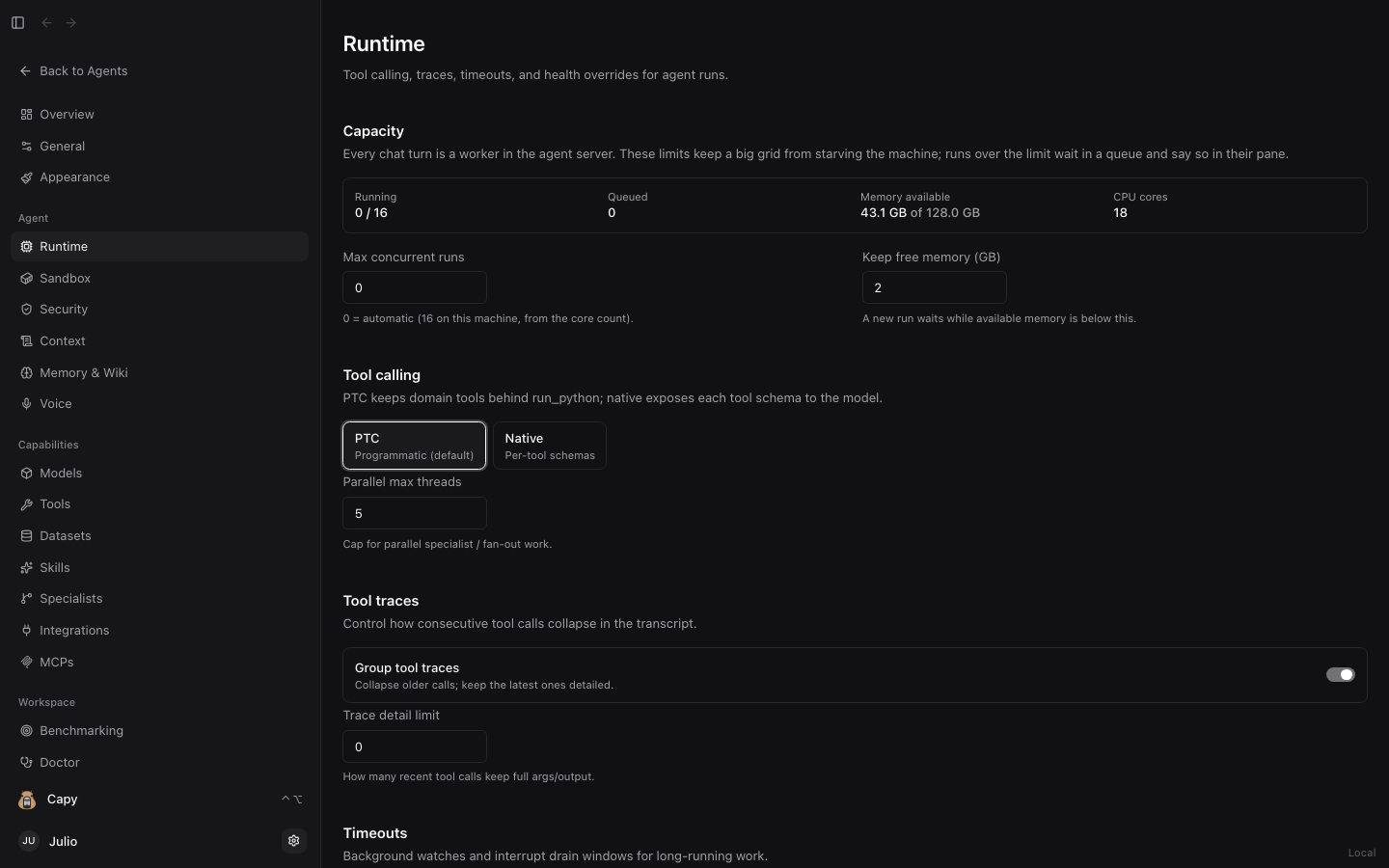
Dashboard → Runtime controls how the local Sandwalk server schedules and executes agent sessions:
- Concurrent Run Capacity & Admission Gate: Caps how many parallel agent threads execute simultaneously (for example during multi-agent split grids or Benchmarking runs) and parks queued runs gracefully if system RAM is under pressure.
- Step & Recursion Limits: Sets maximum tool-call iterations per turn so runaway loops terminate cleanly.
- Background Titling & Distillation: Controls automatic session title generation and post-run knowledge distillation.
2. Security (/dashboard/agent/security)
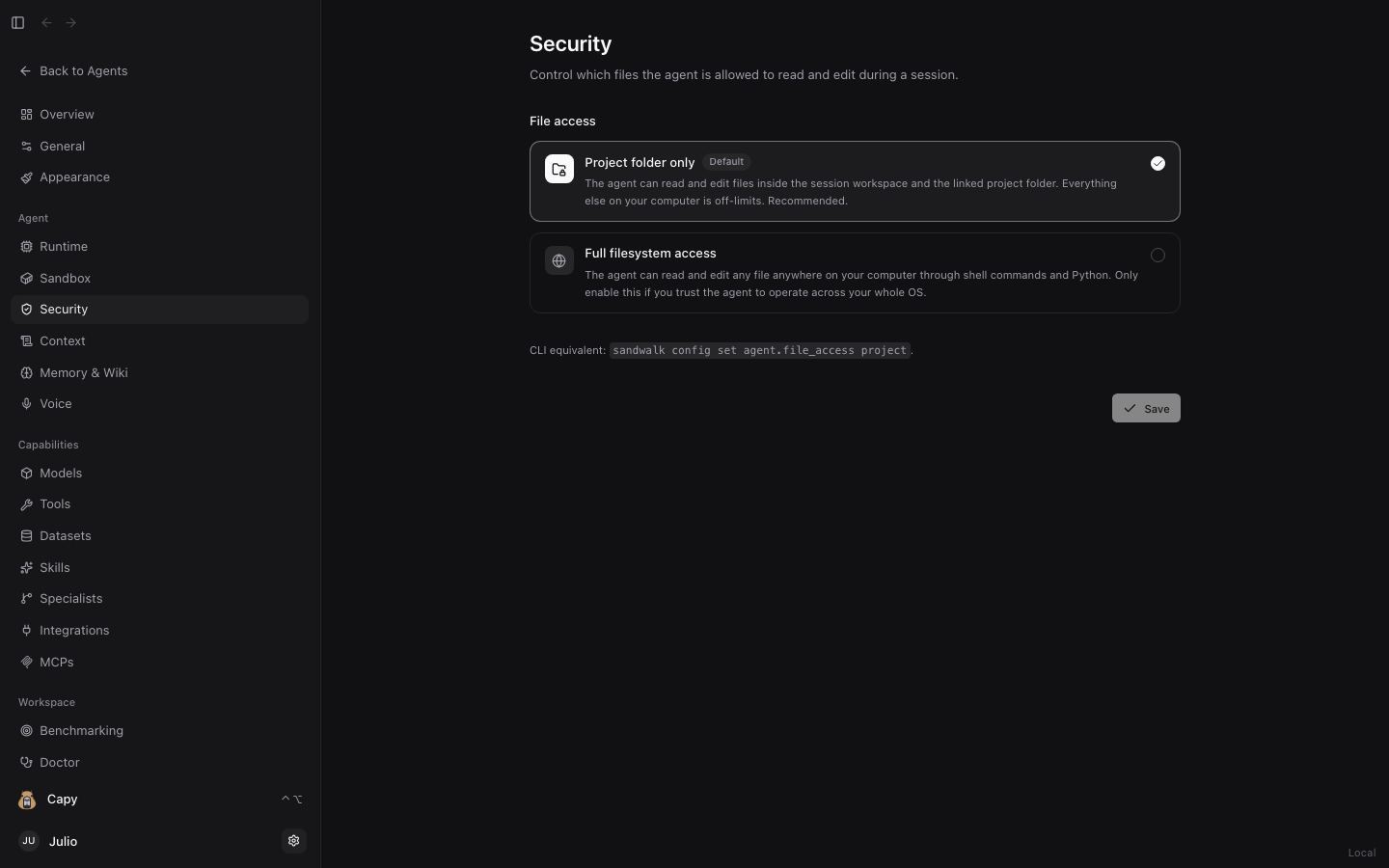
Dashboard → Security configures guardrails for shell execution, filesystem access, and external mutations:
- Human-in-the-Loop (HITL) Approvals: Require interactive confirmation before agents run potentially destructive shell commands or modify sensitive paths.
- Memory & Graph Write Governance: Pair with
writeApprovalandgraphBranchOnWritein Memory & Wiki so agent-proposed memory writes wait in the Pending Write Approvals queue or land on areview/*branch first.
3. Voice (/dashboard/voice)
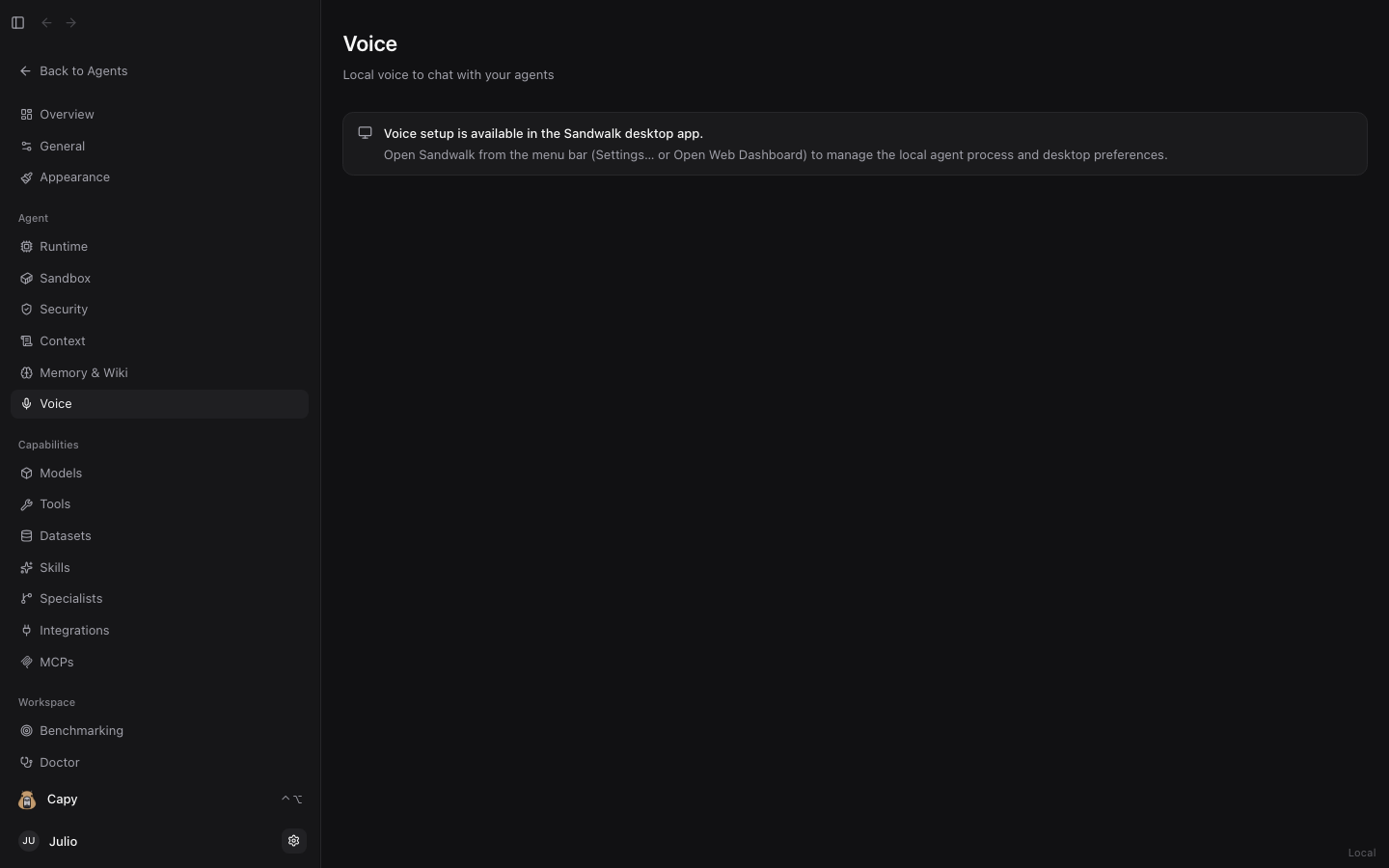
Dashboard → Voice configures hands-free voice input and spoken responses for both Capy and regular chat sessions:
- Speech-to-Text (STT): Dictate prompts using the microphone icon in the Composer or talk hands-free with Capy.
- Text-to-Speech (TTS): Choose voice models, playback speed, and automatic spoken summaries.
Last updated on