
App
Plan mode
Draft a step-by-step plan and Mermaid flowchart before executing tools.
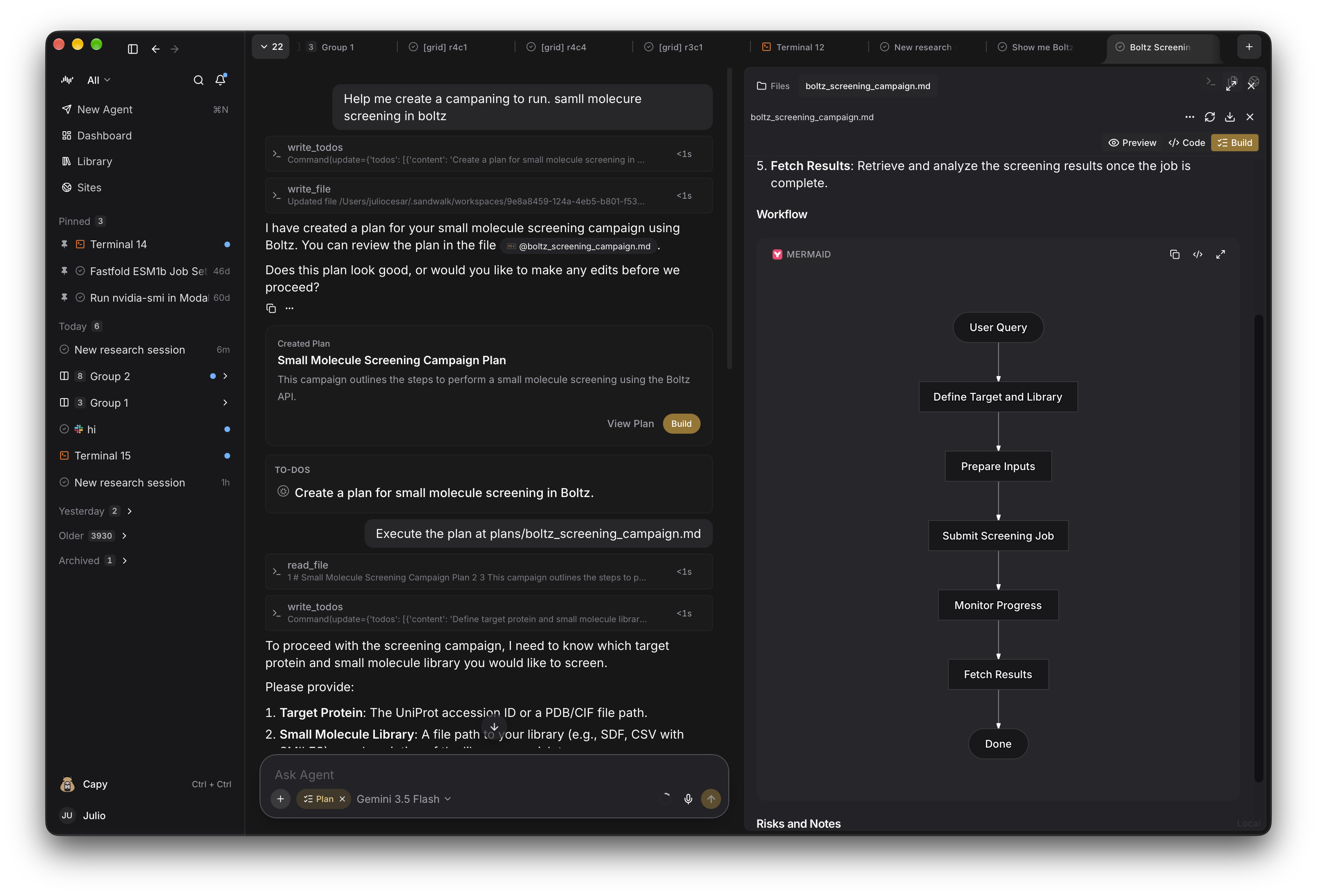
Switch the composer from Agent to Plan (Tab or via the + menu) when you want a structured campaign design before running heavy tools or GPU jobs.
How Plan Mode Works
- The agent writes
plans/<slug>.mdinside the session workspace containing structured steps and an automatic Mermaid flowchart. - Steps populate the session's interactive todo list beside the chat.
- Click Build in the Web UI (or toggle
/planback to Agent mode in the CLI) to execute the plan step by step.
Last updated on