
App
Projects
Scope sessions, mount a local folder, and give every agent shared context and project-scoped memory.
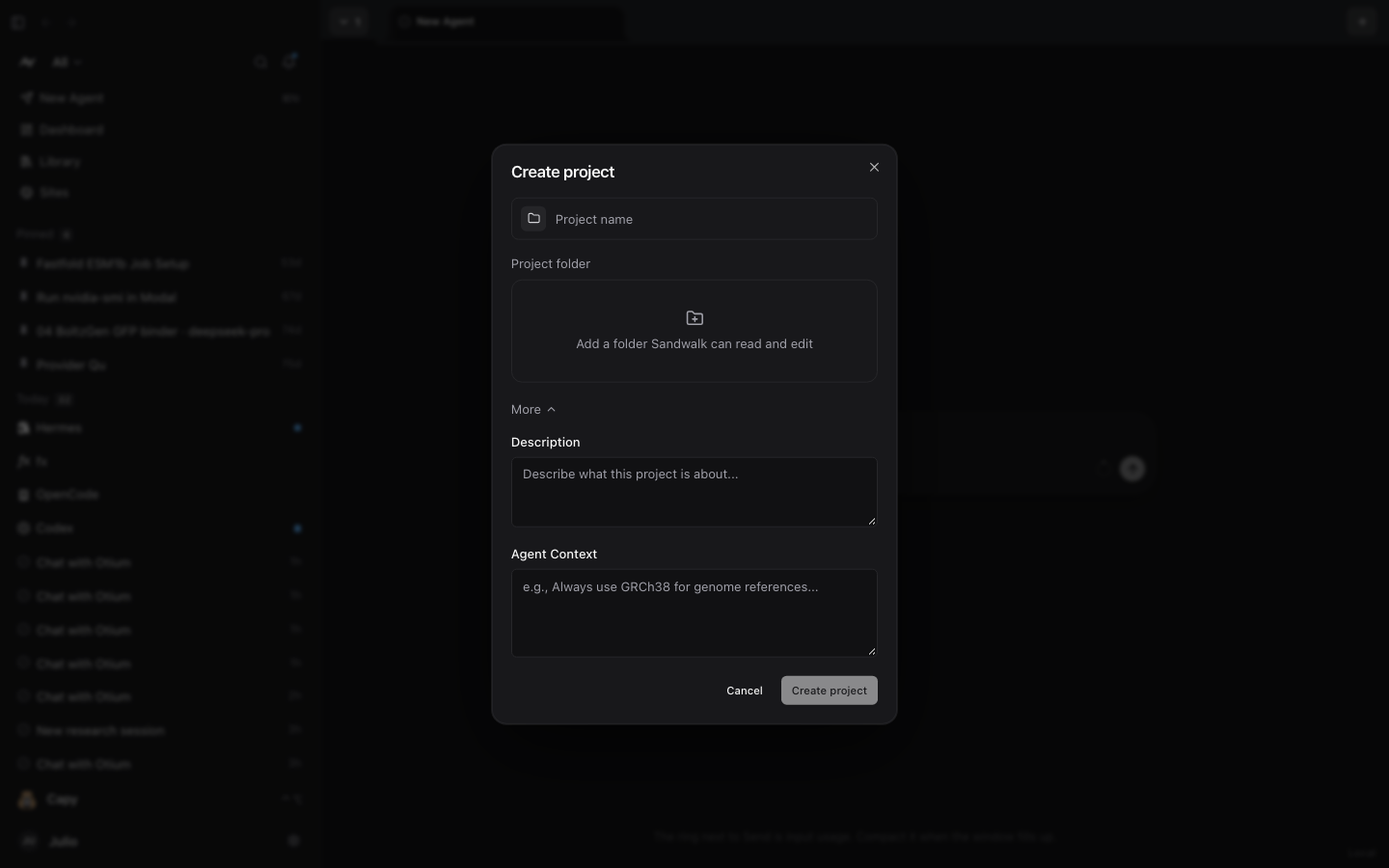
Projects group agent chats, files, and memory for a multi-day research or engineering campaign. Each project can configure its own icon and color mark, an optional Project folder on disk, standing Agent Context instructions, and a dedicated Project Brain (project:<id>) in Memory & Wiki.
1. Create a Project
- Click the project selector dropdown in the top-left of the sidebar (
All) and choose New project. - Pick an icon and color for the project mark and enter a Project name.
- Optionally click Add a folder Sandwalk can read and edit to mount a local directory from your machine.
- Expand More to add an optional Description (shown in the project list for your reference) and Agent Context.
- Click Create project.
2. Project Folder (project/)
When a project has a linked source folder, Sandwalk mounts it into every chat workspace in that project as project/:
- Appears in the session Files panel as Project folder, alongside
uploads/and generatedoutputs/. - Shared live across every chat session in the project (and indexed in the Library).
- Can be changed or cleared at any time from Project settings.
3. Agent Context & Project Memory (project:<id>)
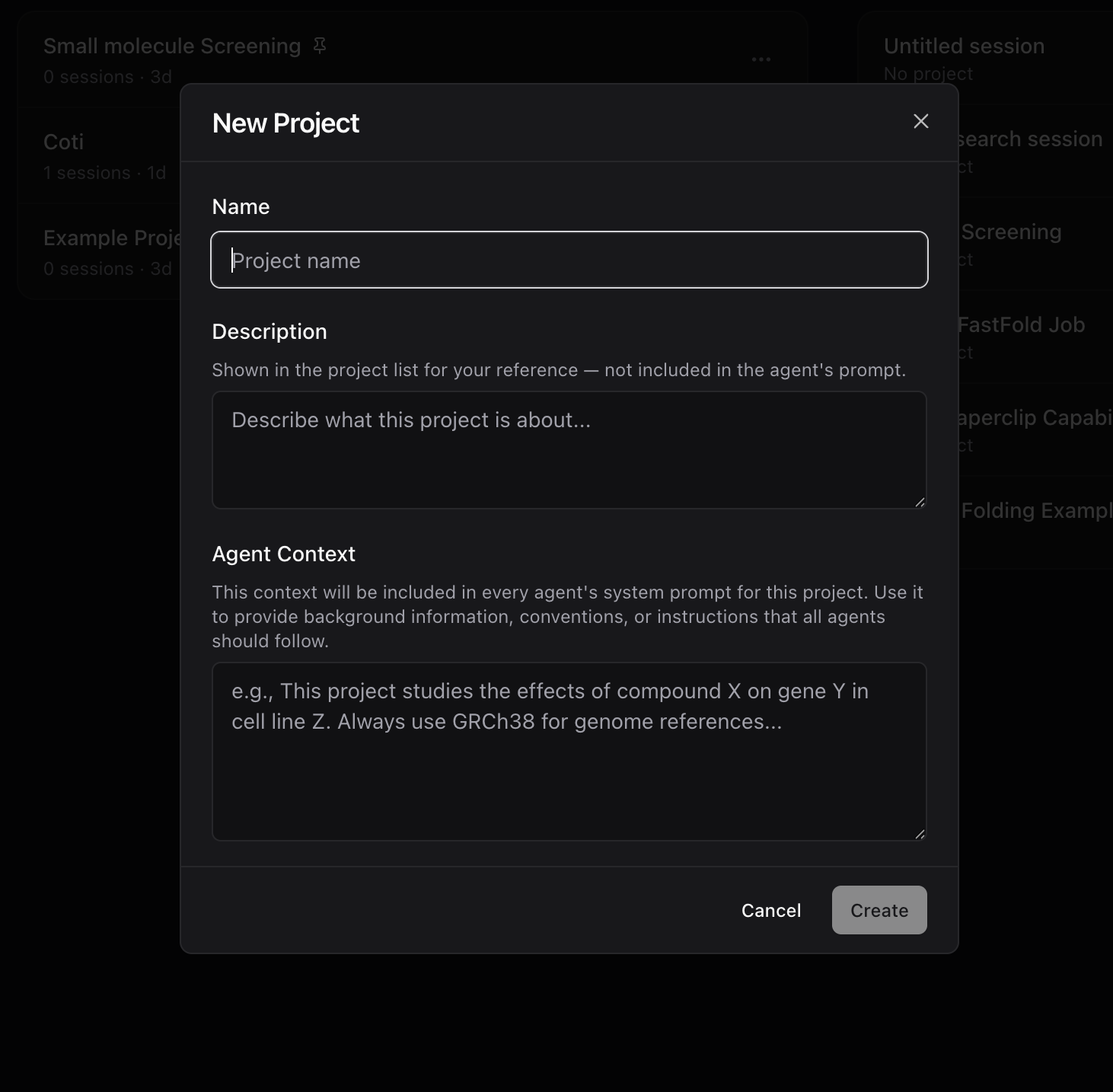
- Agent Context: Text entered under More → Agent Context is injected into the system prompt of every session inside that project (for example: "Always use GRCh38 for genome references and report IC50 values in nM").
- Project-Scoped Memory, Wiki & Omnigraph (
project:<id>): In addition to manual Agent Context, every project automatically gets its own scopedMEMORY.md(~/.sandwalk/memory/projects/<id>/MEMORY.md), Living Markdown Wiki (~/.sandwalk/memory/wiki/project_<id>/), and.omniKnowledge Graph in Dashboard → Memory & Wiki.
Last updated on