
Quick Start
Install Sandwalk on macOS or Ubuntu and start your first session in minutes.
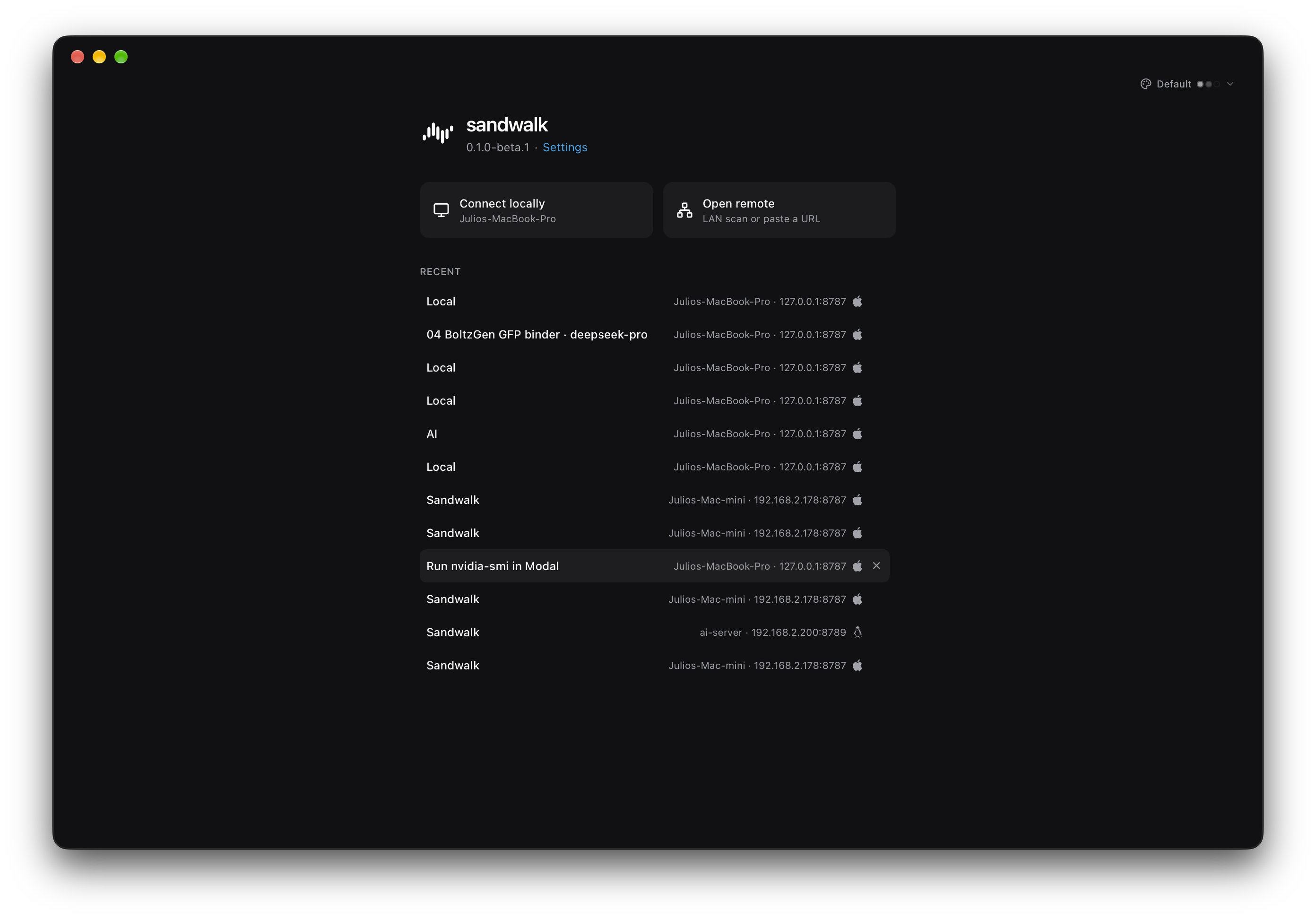
1. Install Desktop (macOS & Ubuntu)
| Platform | Download |
|---|---|
| macOS (Apple Silicon) | Sandwalk-macos-arm64.dmg |
| Ubuntu amd64 | Sandwalk_0.1.10_amd64.deb |
| Ubuntu arm64 | Sandwalk_0.1.10_arm64.deb |
Ubuntu 24.04 / 26.04 APT Repository
curl -fsSL https://apt.sandwalk.sh/sandwalk.gpg | sudo gpg --dearmor -o /usr/share/keyrings/sandwalk.gpg
echo "deb [arch=amd64,arm64 signed-by=/usr/share/keyrings/sandwalk.gpg] https://apt.sandwalk.sh stable main" | sudo tee /etc/apt/sources.list.d/sandwalk.list
sudo apt update
sudo apt install sandwalk
2. Install CLI (sandwalk)
curl -fsSL https://sandwalk.sh/install.sh | bash
sandwalk setup
sandwalk desktop
sandwalk setupwalks through providers, API keys (or Sign in with ChatGPT), and a default model.sandwalk desktopdownloads and installs the native desktop app for your OS and architecture.- Upgrade anytime with
sandwalk upgrade.
Start a Session
sandwalk                          # interactive terminal session
sandwalk "question"               # one-shot query
sandwalk serve                    # start the local agent API on http://127.0.0.1:8787
sandwalk doctor                   # run environment and readiness checks
3. Run from Source (Development)
git clone https://github.com/fastfold-ai/sandwalk.git
cd sandwalk
pnpm install
cd cli && uv sync --extra all && cd ..
scripts/dev-api.sh                # agent API on http://127.0.0.1:8787
scripts/dev-ui.sh # Tauri window + Vite UI on http://127.0.0.1:1420| Service | Default Local URL |
|---|---|
Agent API (sandwalk serve) | http://127.0.0.1:8787 |
| Web UI (Vite / Tauri Dev) | http://127.0.0.1:1420 |
Docs Website (pnpm dev:docs) | http://127.0.0.1:3001 |
4. First Things to Try
- Pick a Model & Specialist in the Composer: Click the
+menu in the composer to attach a Specialist (such as Otium, Soren, Nova, Milo, or Atlas), a Skill, or an MCP server. - Summon Capy (
⌃⌥Cor bottom-left Capy button): Ask Capy to "spawn a 2-agent split grid with Nova and Soren on oral GLP-1R safety". - Explore Memory & Living Wiki: Open Dashboard → Memory & Wiki and click Load Demo to inspect
MEMORY.md,USER.md, the Full-Screen Markdown Wiki, and the06 Second brainOmnigraph. - Crystallize a Skill: Click Create Skill in Memory & Wiki (or ask your agent in chat) to turn what your workspace has learned into a reusable
/skill-slug.
Last updated on